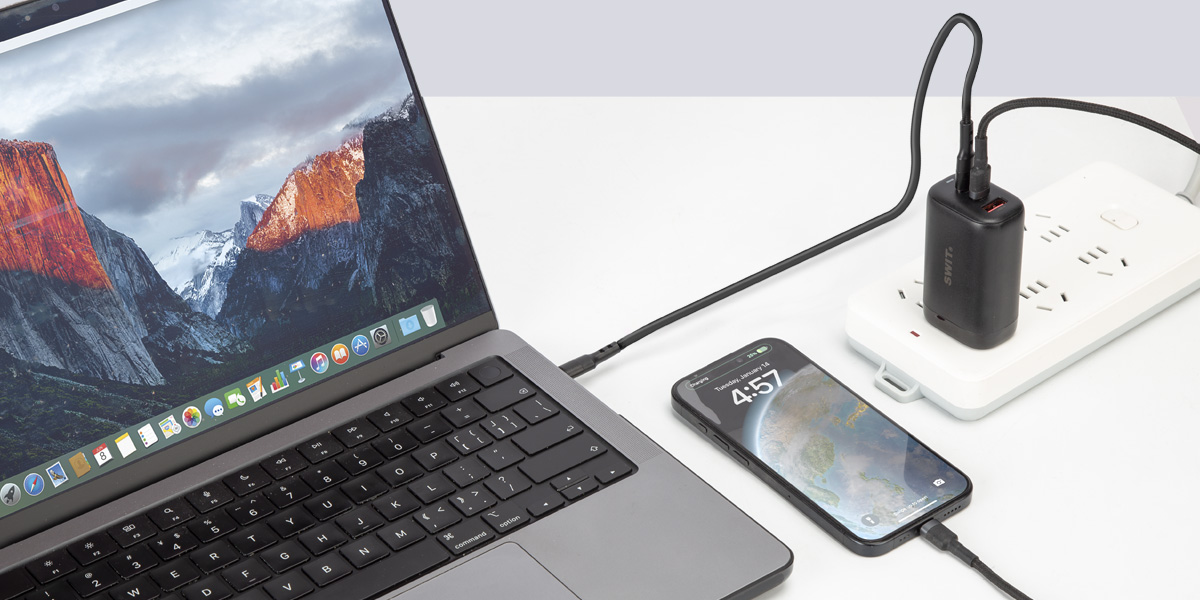
Cheap chargers fail safety tests, run hot and, in the worst cases, damage what they charge. Here is what to know before you plug in.
You can’t tell a good charger from a bad one by its size, its wattage label or its USB-C plug. Independent testing keeps finding the difference.
charger types failed the safety standard in the first phase of Hungary’s 2026 consumer-authority lab inspection. [7]
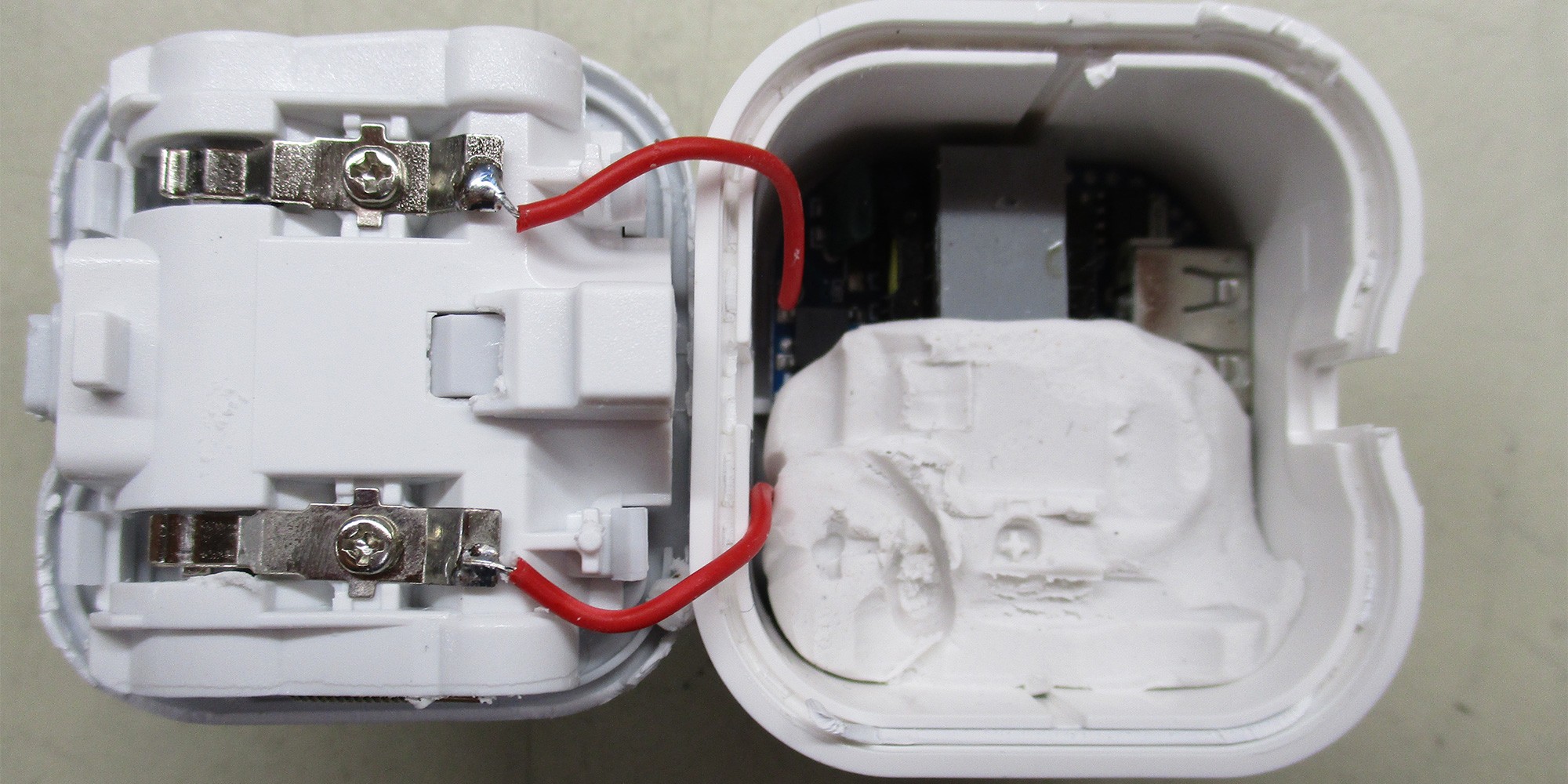
chargers in Which?’s 2026 sample posed electric-shock risks; eight also posed fire and explosion risks. One fake charger contained modelling clay to add weight. [8]
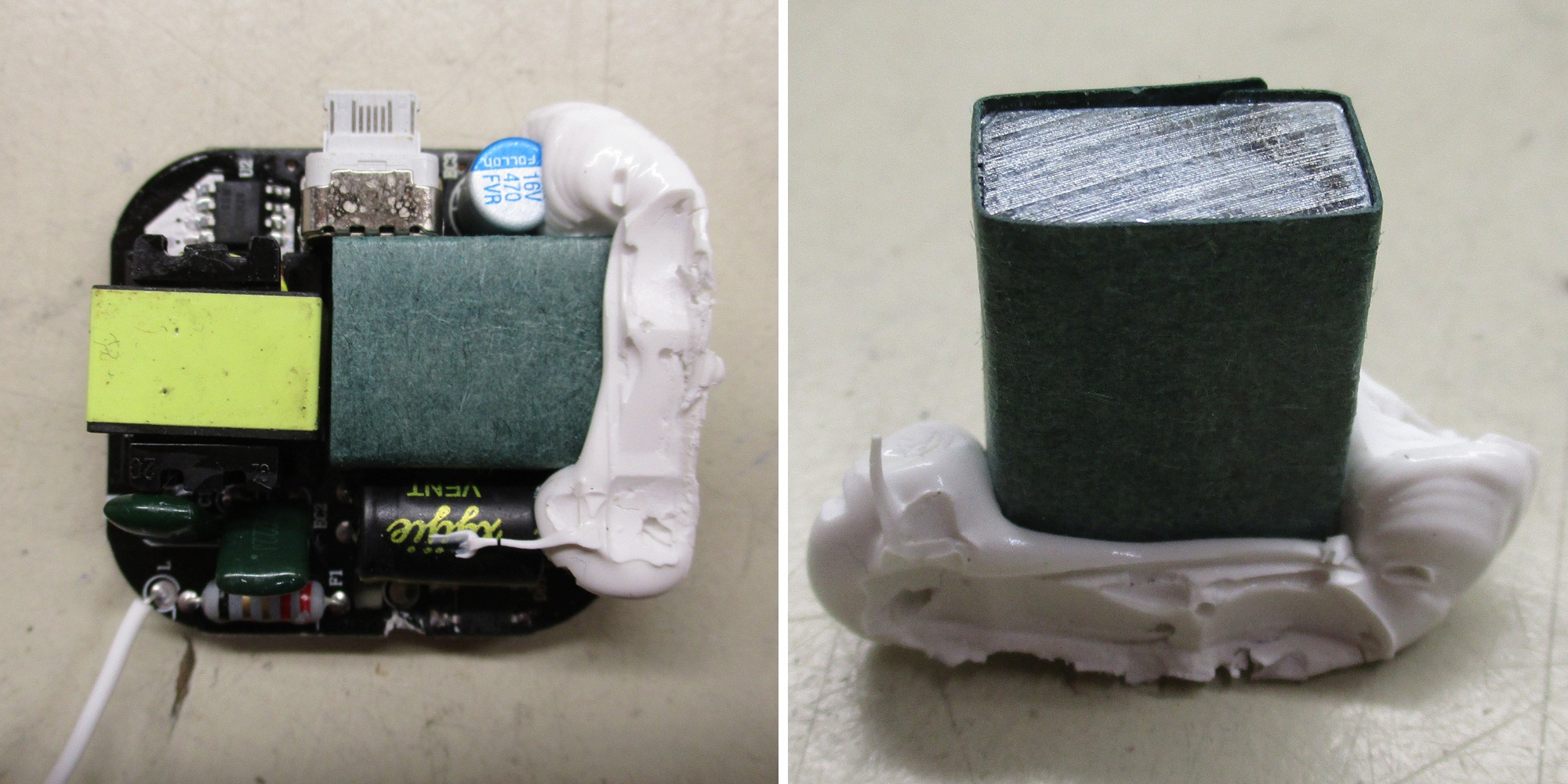
can make poor construction feel substantial. Which? found a metal weight inside a failed charger. Heft alone is no proof of safety. [9]
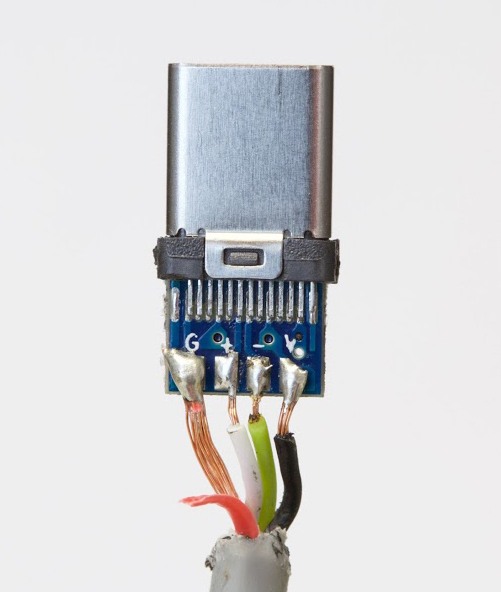
A miswired USB-C cable left a Google engineer’s Chromebook Pixel unusable while he was testing it. [10]
Not every poor charger will damage a laptop. The worst ones can. Faults in a charger, cable or connector can lead to device damage, overheating or fire, and you can’t see them from the outside. [4]
Four jobs happen inside the plastic. A poor charger skips some of them.
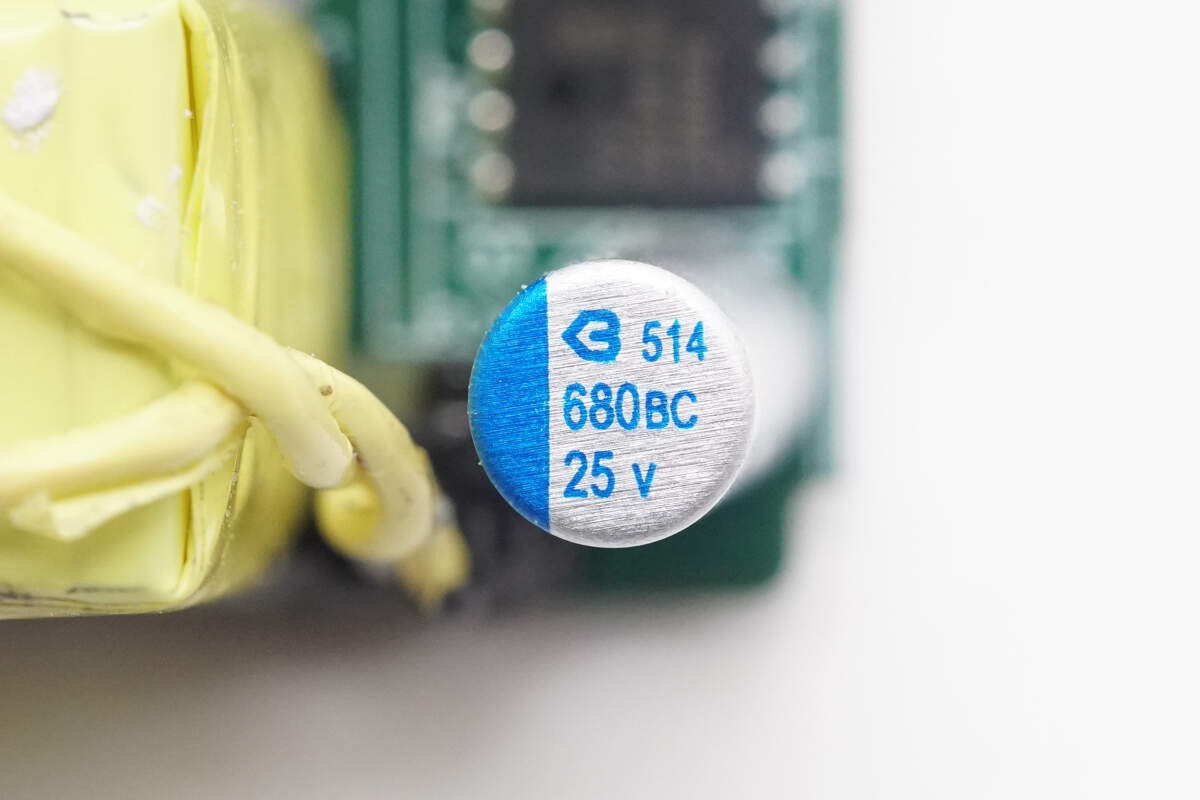
Wall power is converted to DC, but it arrives in pulses. Filter parts even it out before it reaches your device. [5]
Without it: electrical noise and extra heat reach your gear.
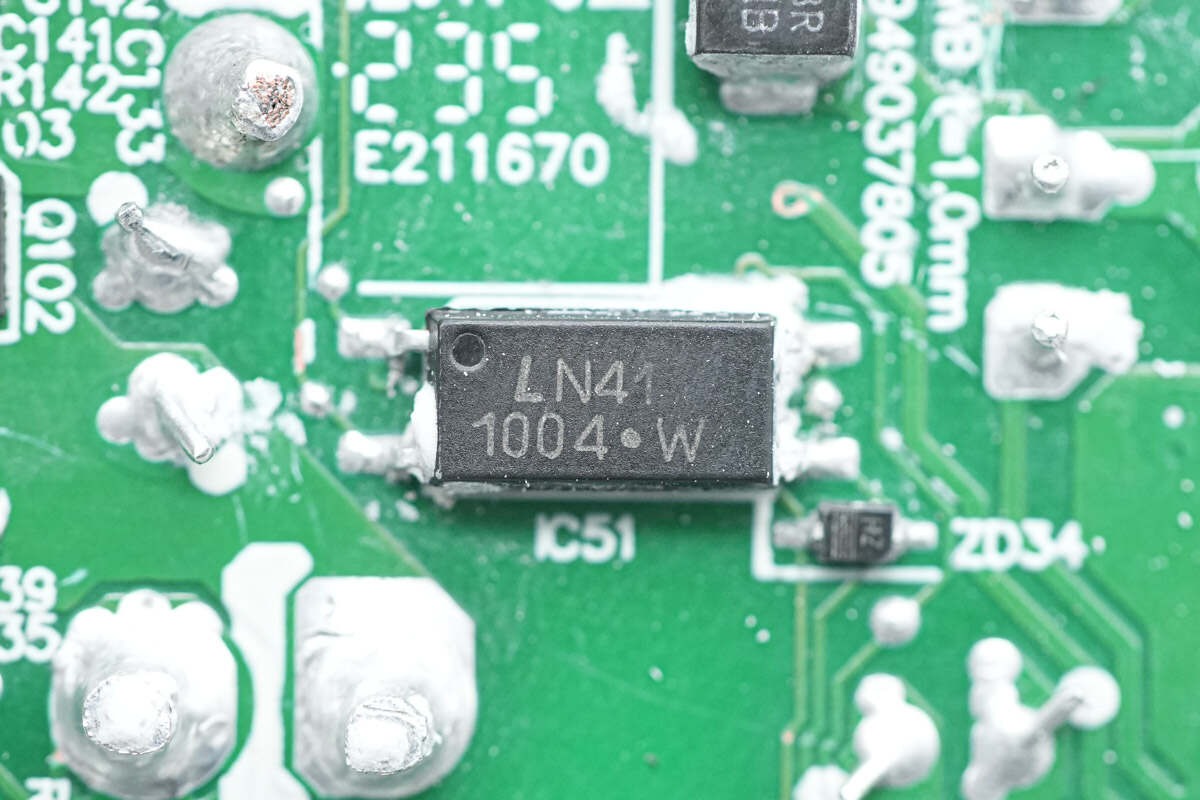
When your laptop suddenly asks for more power, a good charger keeps the voltage level. [5]
Without it: voltage dips and jumps while you work.
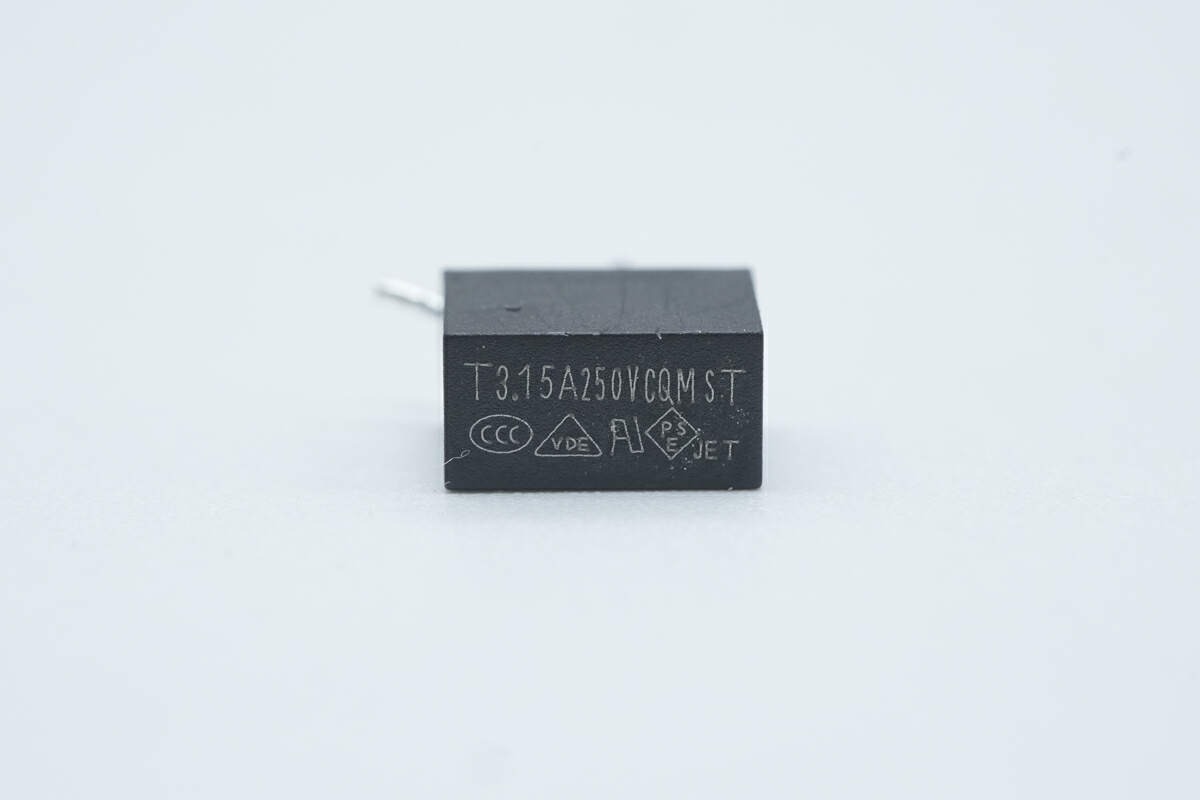
Protection circuits cut the power if voltage, current or temperature climbs too high. The USB PD specification calls for them. [4]
Without it: a fault can travel straight into your laptop.
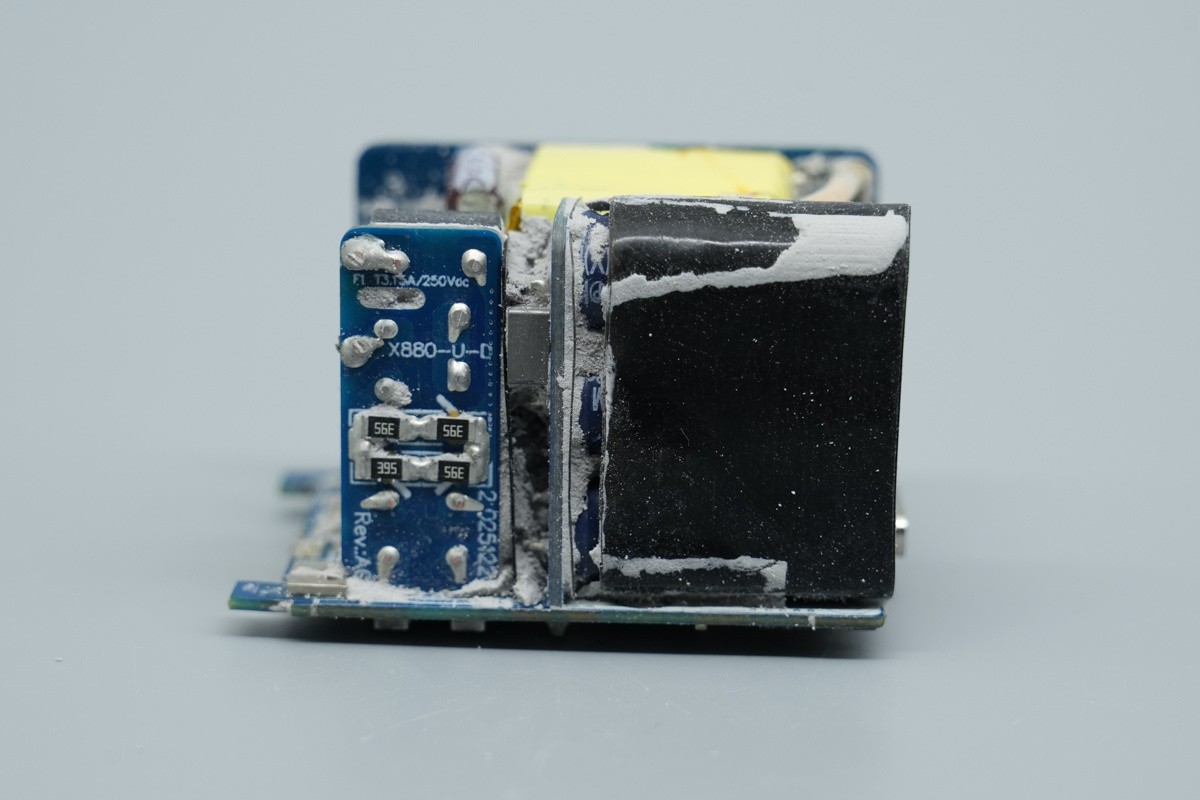
A built-in barrier separates mains voltage from the USB port. Labs check it with high-voltage tests. [9]
Without it: electric shock risk, even when the charger still works.
Wattage tells you how much power. These four jobs tell you whether it is safe.
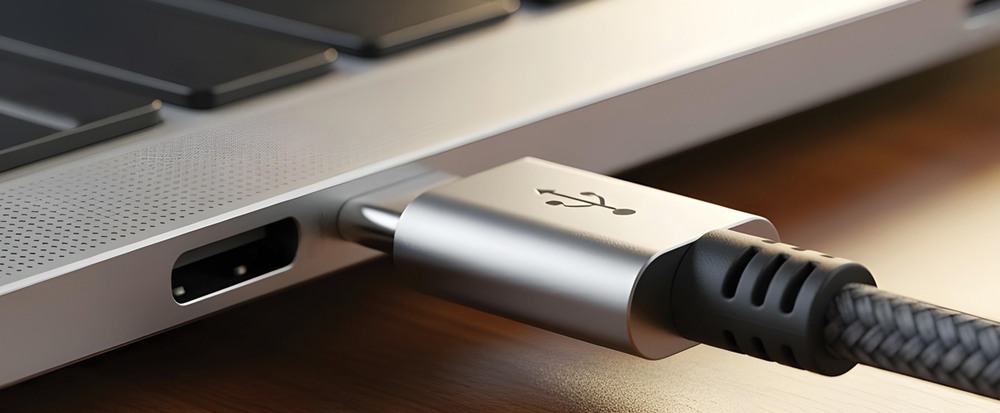
Speaking PD is not a quality guarantee. A charger can negotiate USB Power Delivery correctly and still be poorly filtered, weakly protected or badly insulated. The label shows what it claims to supply, not how well it does it. [1]
These component close-ups come from several third-party USB-C charger teardowns. They illustrate functions, not a ranking of brands or SWIT test results. Performance and safety must be verified by testing.
Input range, every output profile and per-port limits, printed on the charger and published online.
Manual, safety documents and a real way to reach the company. Certification marks can be faked, so check them against the maker’s documents. [6]
Look for data on ripple, voltage regulation and temperature under load, not just the word “fast”.
Multiport chargers share one total. The split between ports should be stated.
A 3A/60W cable can limit a 100W charger. Above 3A use a 5A e-marked cable; for 28V, an EPR-rated one. [3]
Buy the exact model from the maker or an authorised seller, and keep the instructions.
Stop using it if you notice scorching, smoke, crackling or abnormal heat. Replace damaged cables, keep chargers dry and uncovered, and unplug after use. [6]
Run the six checks on every charger you consider, ours included. Each card links to the official specifications.
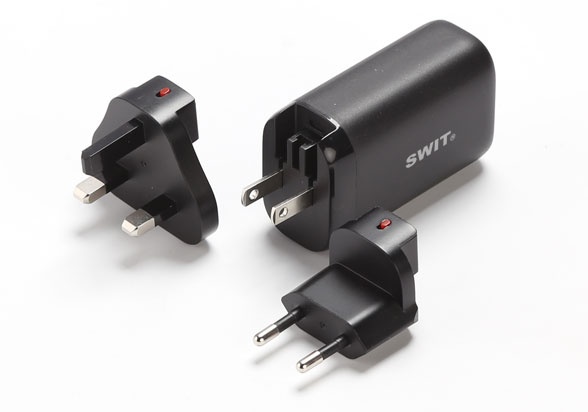
A compact, 100g option for compatible batteries and everyday essentials.
| Ports | 2 × USB-C + 1 × USB-A |
|---|---|
| Power | 65W maximum total |
| USB-C | Either C port: up to 65W alone |
| Size | 73.5 × 43.5 × 31mm; 100g net |
| In the box | US / EU / UK plugs; C-to-C cable |
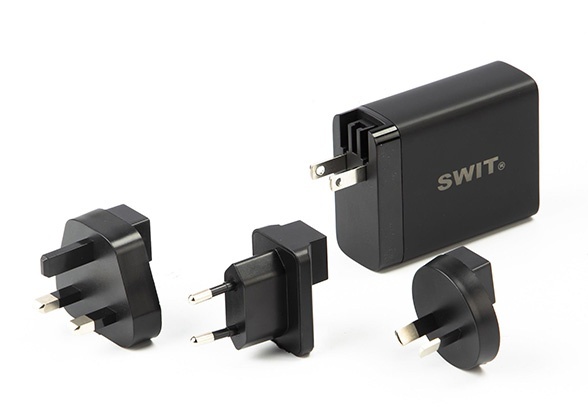
Four ports for a laptop, camera and accessories, sharing a 100W total budget.
| Ports | 3 × USB-C + 1 × USB-A |
|---|---|
| Power | 100W maximum total |
| C1 / C2 | Each up to 20V/5A when used alone |
| C3 / A | Up to 20W / 18W respectively |
| In the box | US / EU / UK / AU plugs; C-to-C cable |
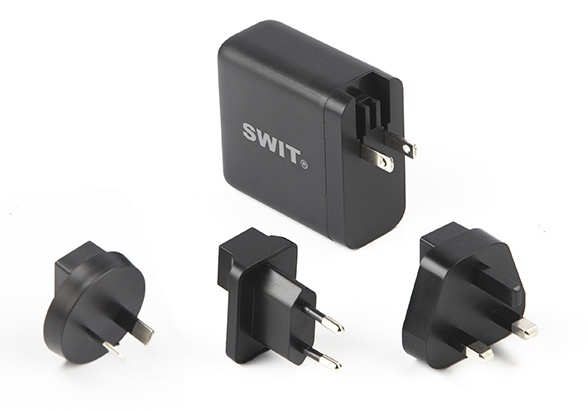
Dedicated PD3.1 power for Mini-150B and compatible USB-C equipment.
| Port | 1 × USB-C PD3.1 |
|---|---|
| Profiles | 5 / 9 / 12 / 15V at 3A; 20 / 28V at 5A |
| Highest PD | 28V × 5A = 140W |
| Cable | 2m USB-C to USB-C included |
| Plugs | US / EU / UK / AU |
All three accept 100–240V. A plug adaptor changes the connection, not the mains voltage, so match the input label and destination socket. UC-2065 includes US / EU / UK plugs; UC-100 and UC-150 add AU.
Match your devices, cables and destination plugs, then find the SWIT charger that fits.
Explore SWIT USB-C chargers →